

Pro Radio Plus templates
Heads up: Pro Radio widgets pull dynamic content from your site (Shows, Episodes, Schedules, etc.). For best results, please import a demo or create your own contents before using the templates. INFO
From Elementor you can access the new ProRadio Plus library:
- Add a new section
- Click the P+ Button

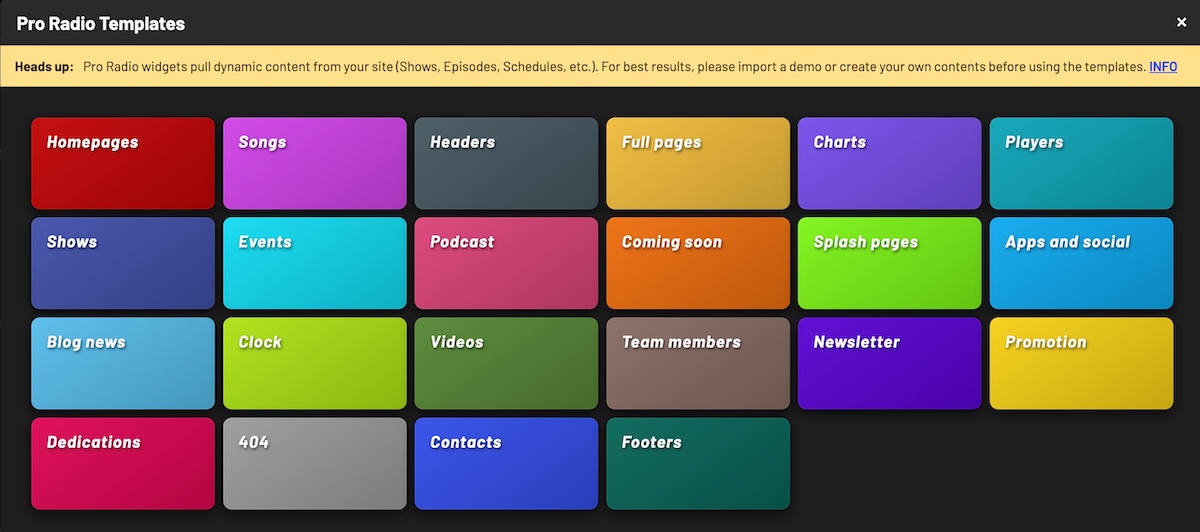
Choose the category of template that you want to import.
Please note that some templates, like Headers, Footers or custom players, are better installed in a MegaHeader or MegaFooter, for a cross-site installation.
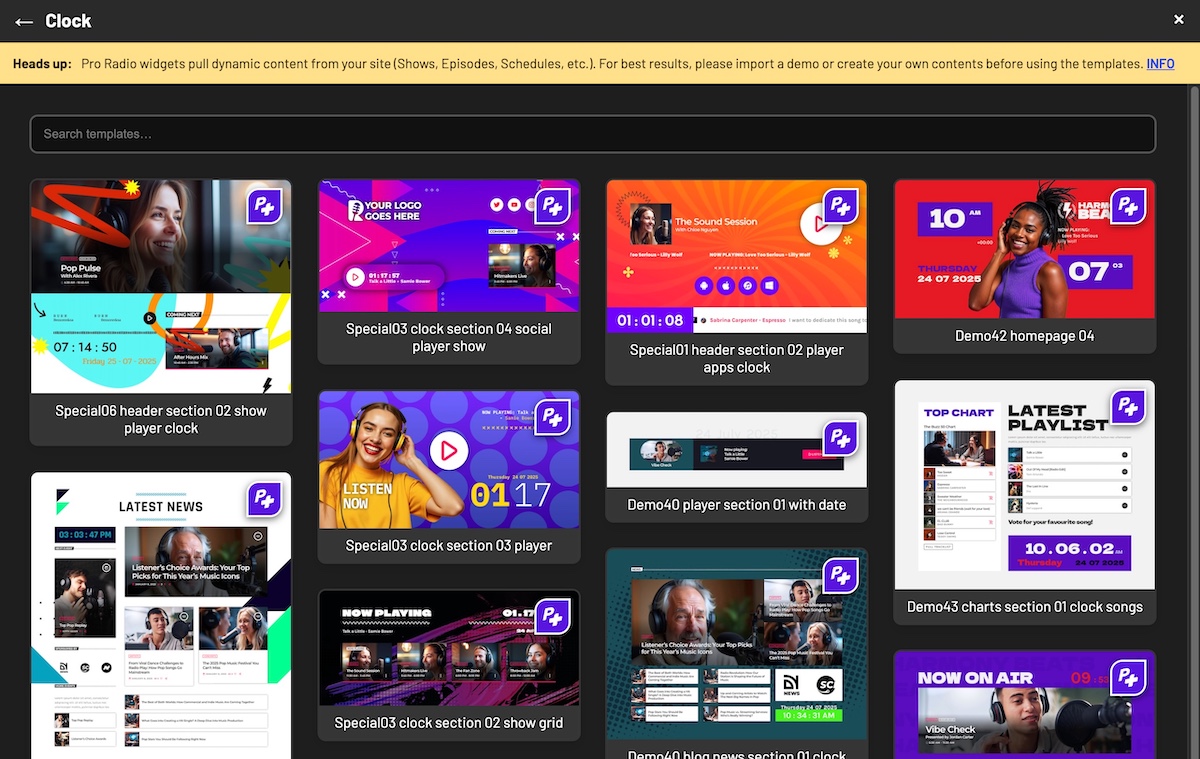
Explore or search the templates.
Templates with the PR+ logo require a ProRadio Plus license to be used. If you import a ProRadio + template, and cancel the license, the template will not be available in frontend.
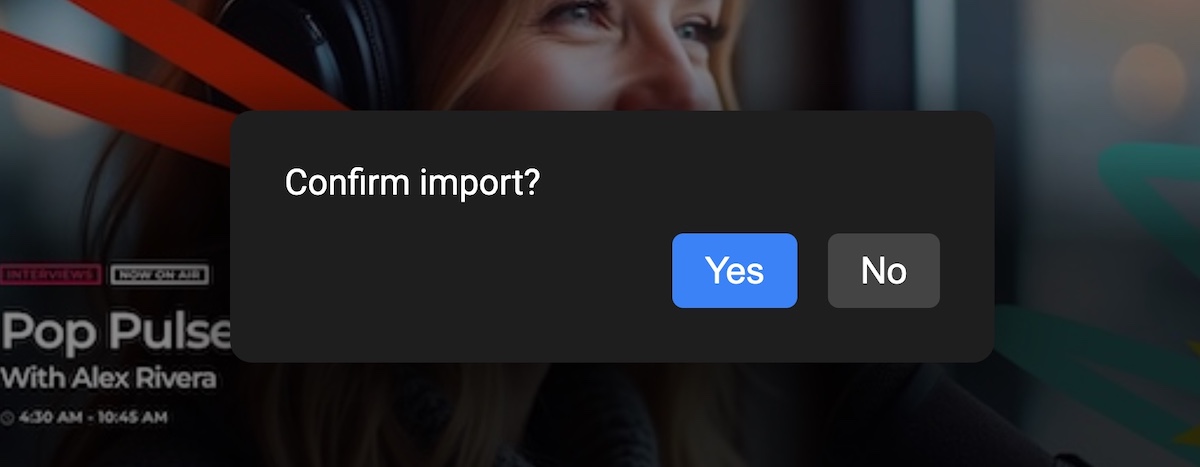
Confirm import
To import a template, you need to click the confirmation popup. Images used as backgrounds or decorations will be cloned in your WordPress Media Library.
Please hold on during the import process, for complex templates this can take a few seconds.
If the import fails, please ensure your server has proper settings for memory limit and maximum execution time. More info.