


The Reporting section shows historical data about your listeners and stream usage.
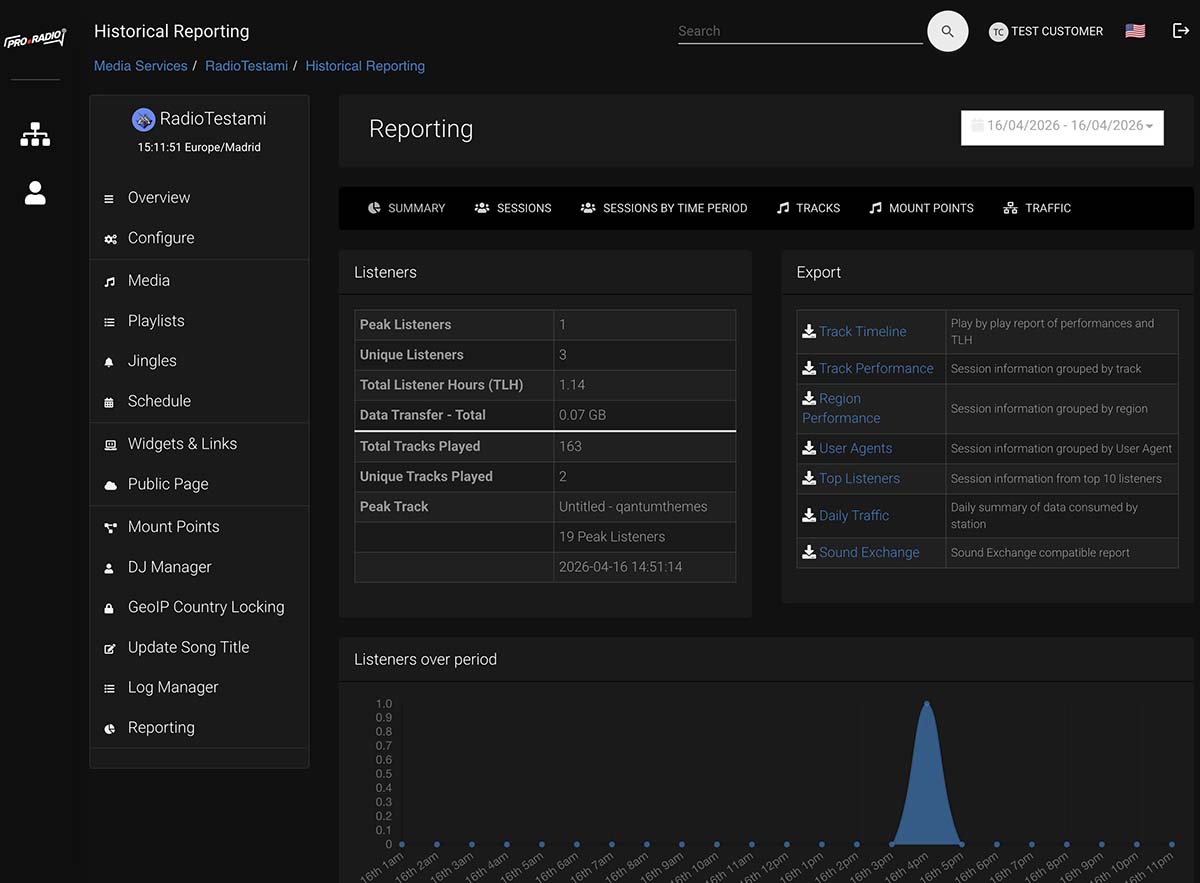
Step 1: Open Reporting
From the left menu, click Reporting.
Step 2: Choose the period
Use the date selector to choose the time range you want to review. Start with simple presets such as Yesterday, Last 7 Days, This Month or Last Month.
Step 3: Read the summary
The summary section gives you a quick overview of your stream performance for the selected period.
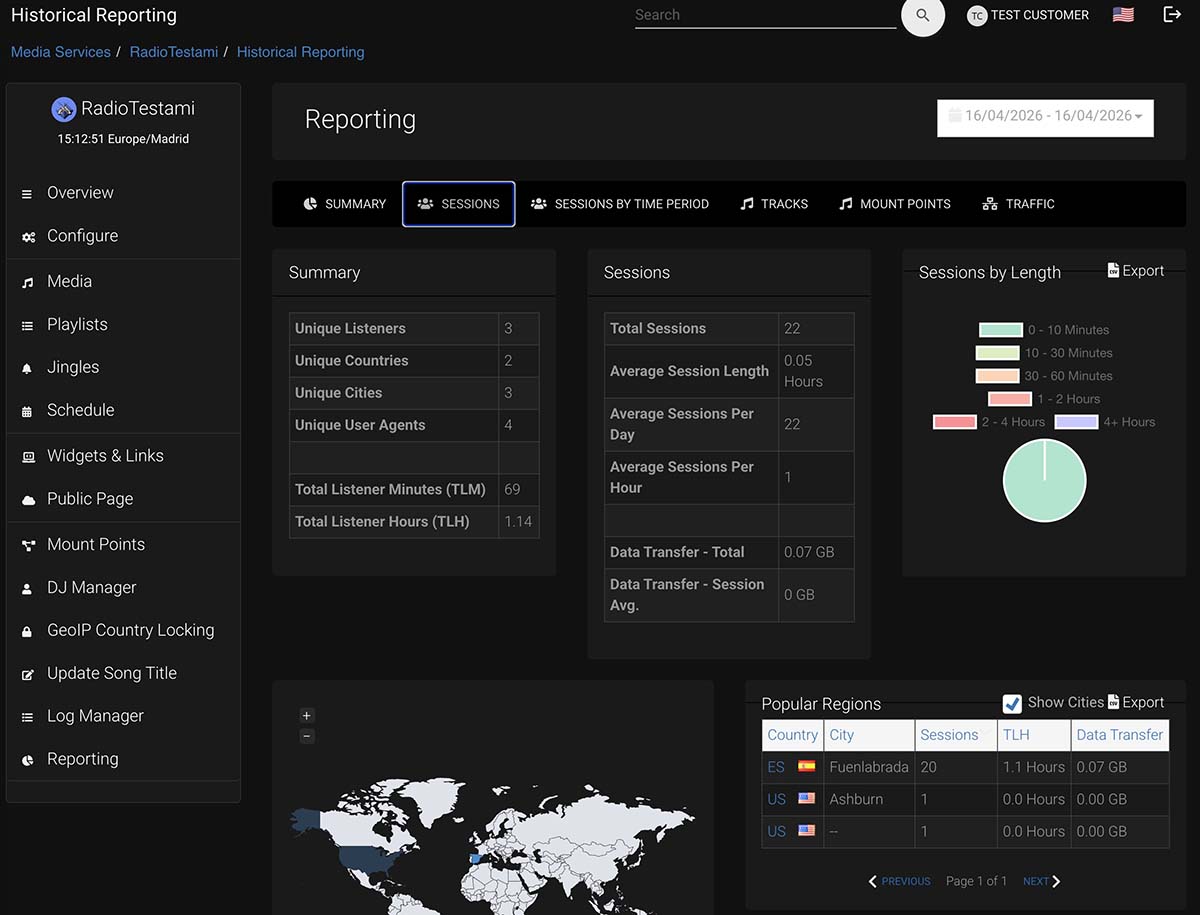
Step 4: Review listener sessions
Check total sessions, average session length and general listening trends. This helps you understand if people are really staying connected or leaving quickly.
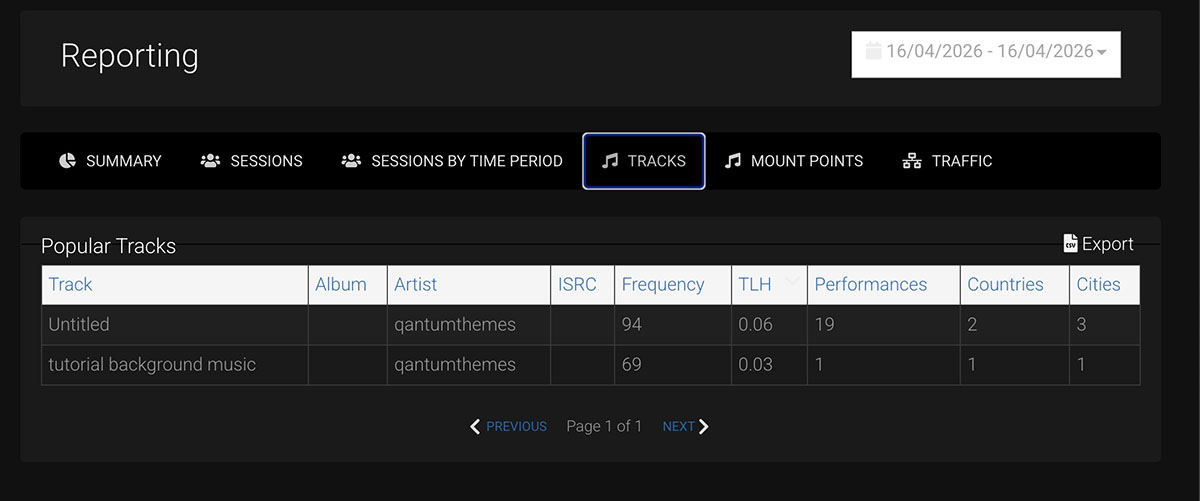
Step 5: Check bandwidth and transfer
Review total data transfer to understand how much traffic your service is using.
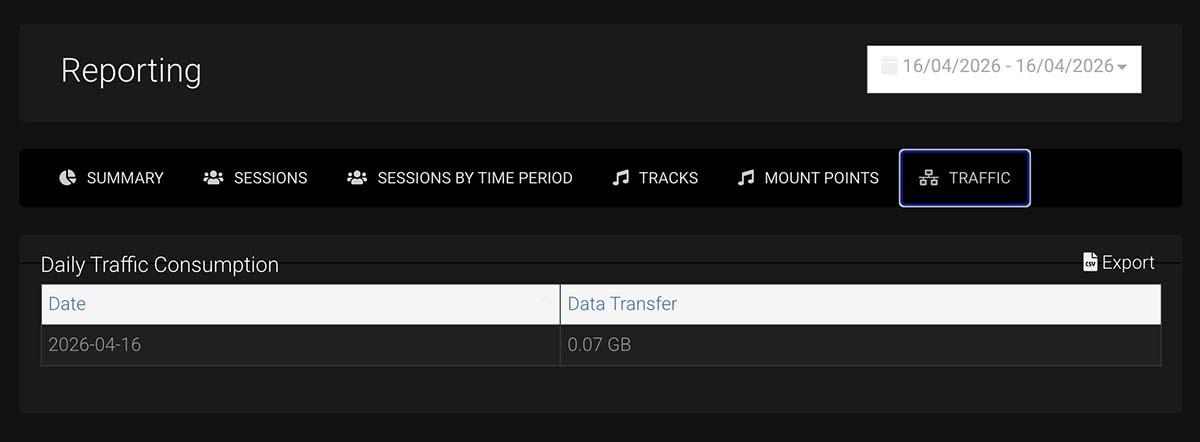
Step 6: Compare periods
Compare one week or month with another to understand whether your station is growing or staying flat.
Tips
- Do not judge a station from one single day only.
- Compare short-term and monthly data together.
- If session length is very low, check your content quality, stream stability and programming.