


If you have the Media.cp panel, instead of using icecast or shoutcast mountpoints, you can use the specific MediaCP or integration, which is very easy to add.
This is the setting that also works for Citrus3, Streamerr.co and any other provider using Media CP control panels.
How to set up Citrus3, Streamerr.co or other MediaCP stream on your radio website player:
1) Go to radio channel > add new
2) From your Streaming panel, click Widget and Links and copy the HTTPS Stream link into MP3 Stream Title
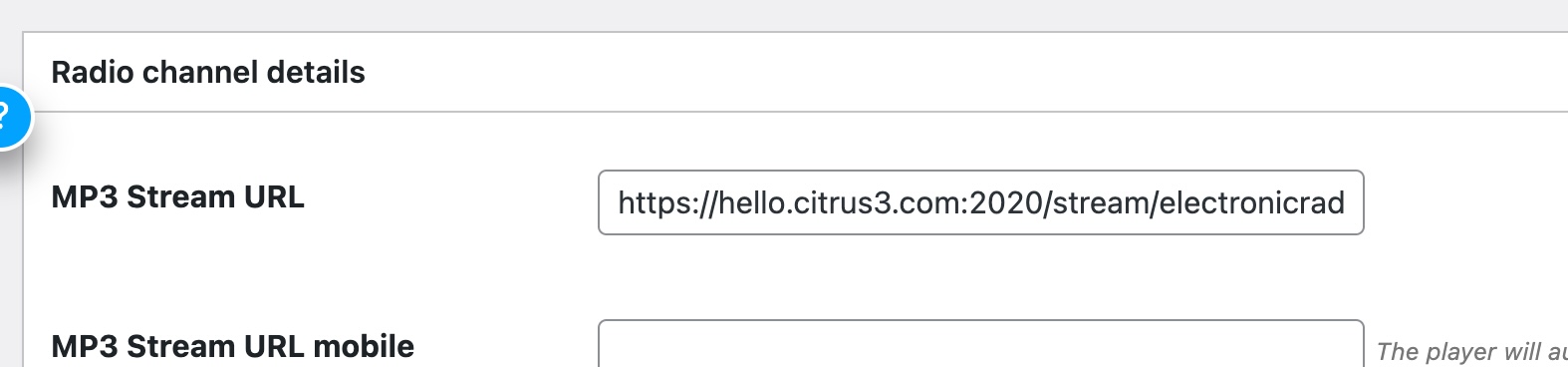
3) In Server Type choose MediaCP (Citrus3 - Streamerr.co and similar)
4) From your MediaCP panel > Widget and links, open the JSON tab and copy the link
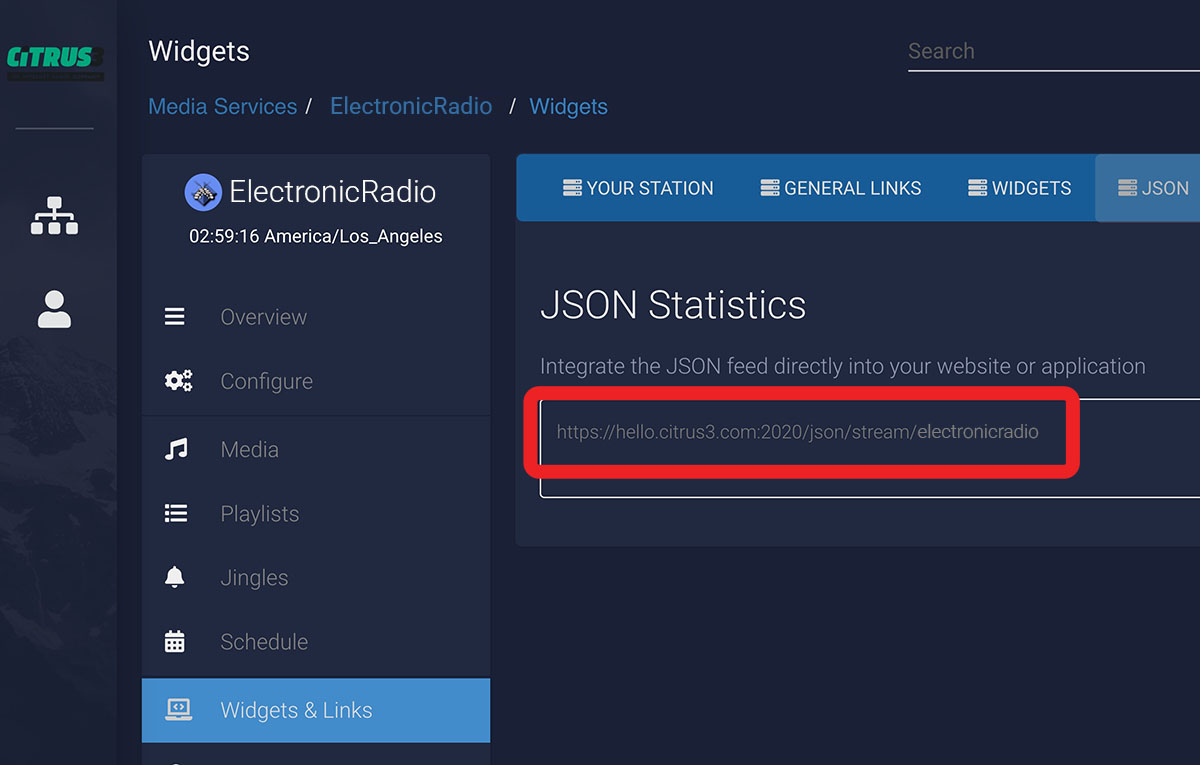
4) Paste the copied link in your radio channel options ( MediaCP, Citrus3, Streamerr JSON feed URL )
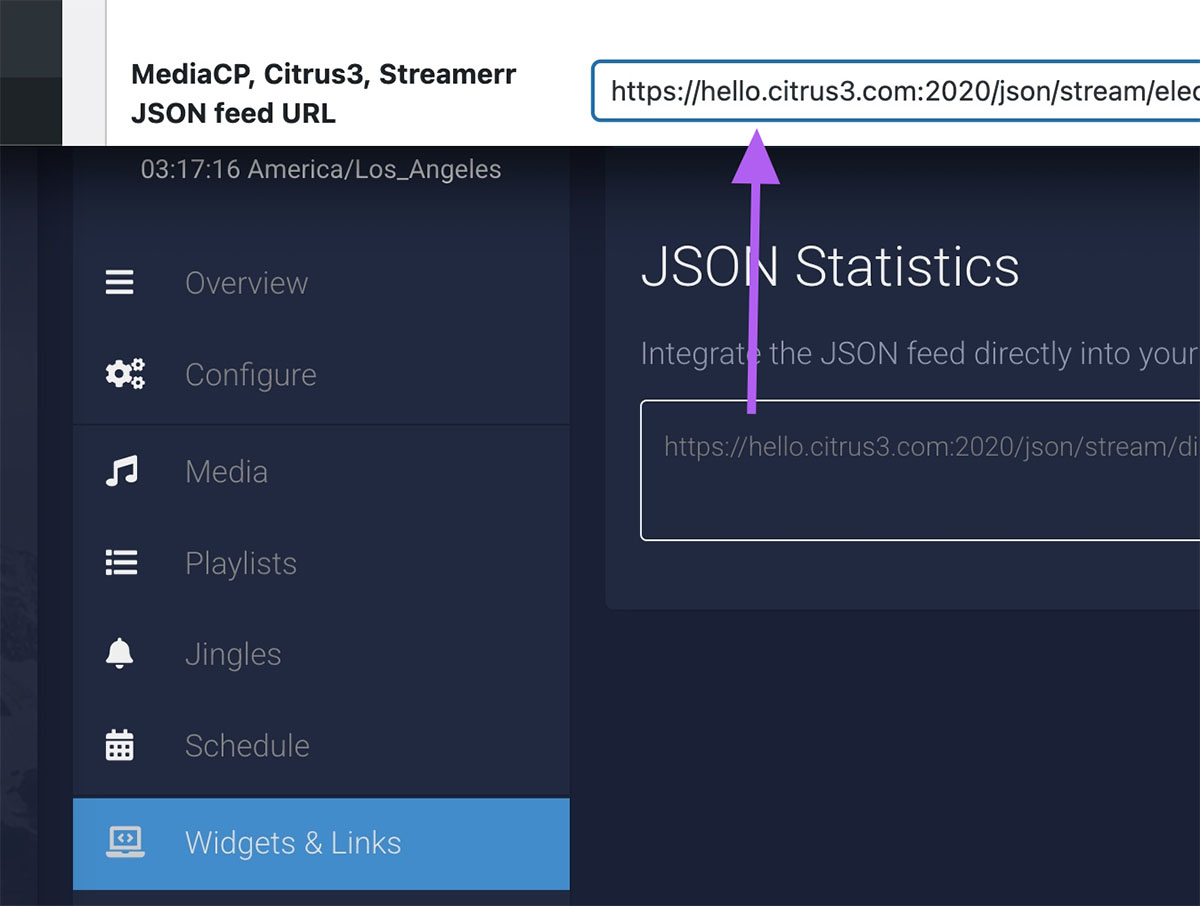
5. Publish the radio and check your website
If titles are not appearing, please contact our helpdesk, we will help you with the configuration.