


To display a tiny widget containing the current radio show, or the first upcoming one, follow the steps below.
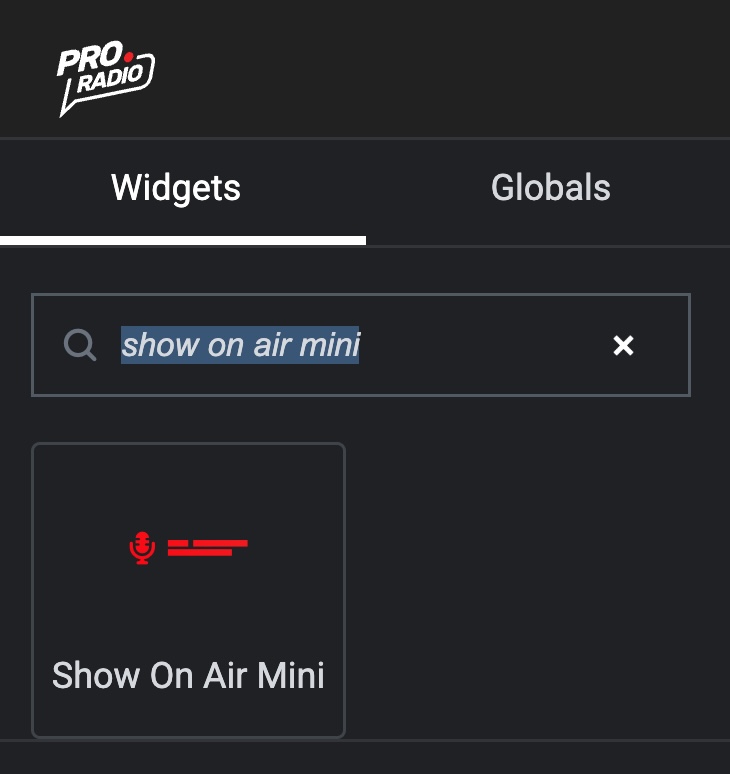
Step 1: Edit your page with Elementor, and from the left widget panel, search for "Show on Air Mini". Drag the widget onto the page.
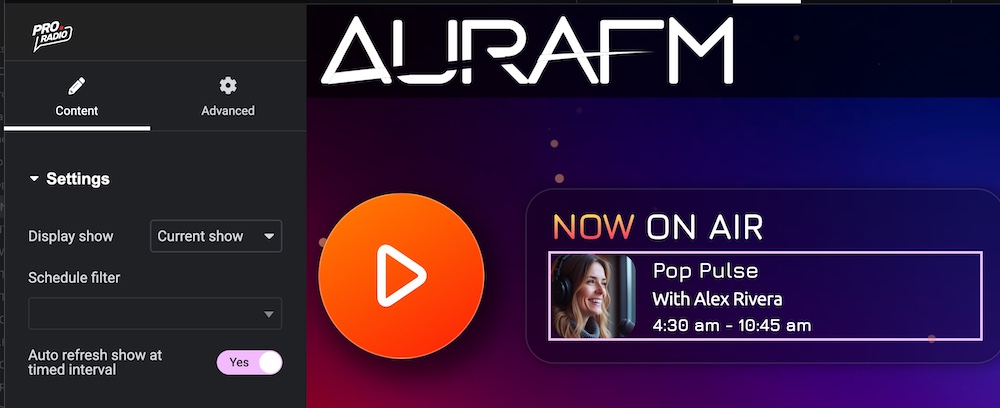
Step 2: Set the global settings. In Display Show, decide whether you want to display the current or upcoming radio show. In Schedule Filter, select whether you need to filter by one specific radio channel, in the case of multi-radio websites. You can also enable or disable the auto-refresh option, which will cause the widget to reload automatically at the desired interval. The auto-refresh interval can be set in the Customizer advanced settings.
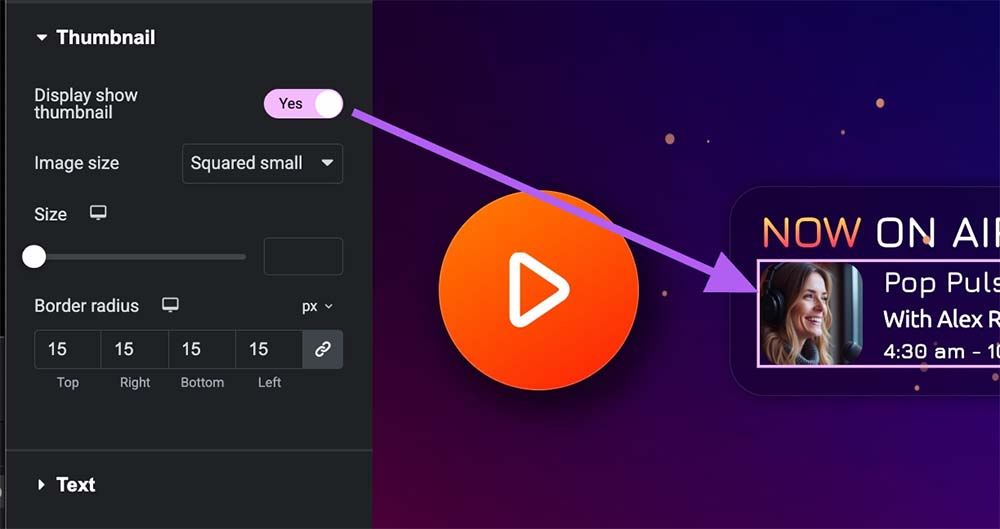
Step 3: Set the thumbnail. You can enable the Thumbnail option if you want to show the image in the widget, choose the size, and optionally set a border radius to match your radio station style.
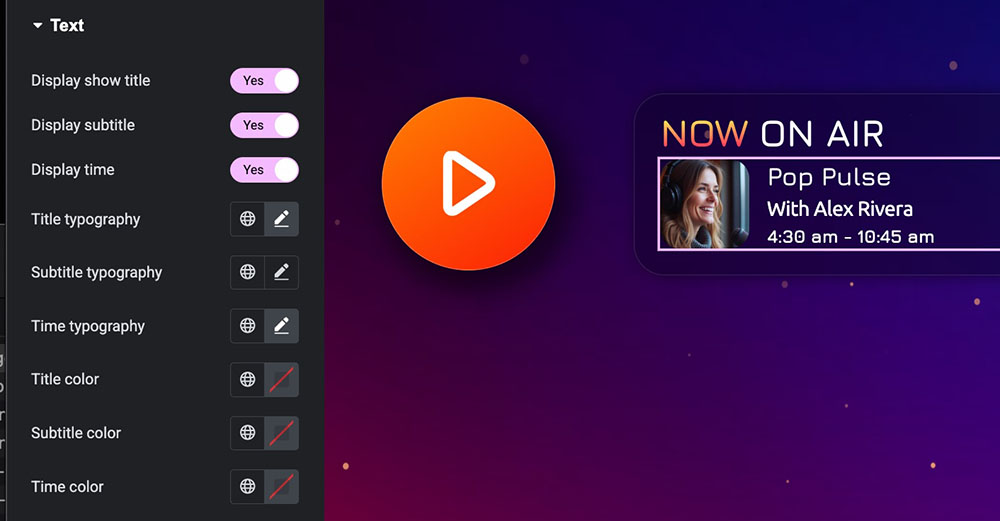
Step 4: Configure the text options. Here you can set the font size, color, and other typography options for the three lines of text independently: title, subtitle, and show start and end time.
That's it! Your current show mini widget is now in place and working.