


Use Live DJ when you want to broadcast in real time from software such as BUTT, Mixxx or another encoder.
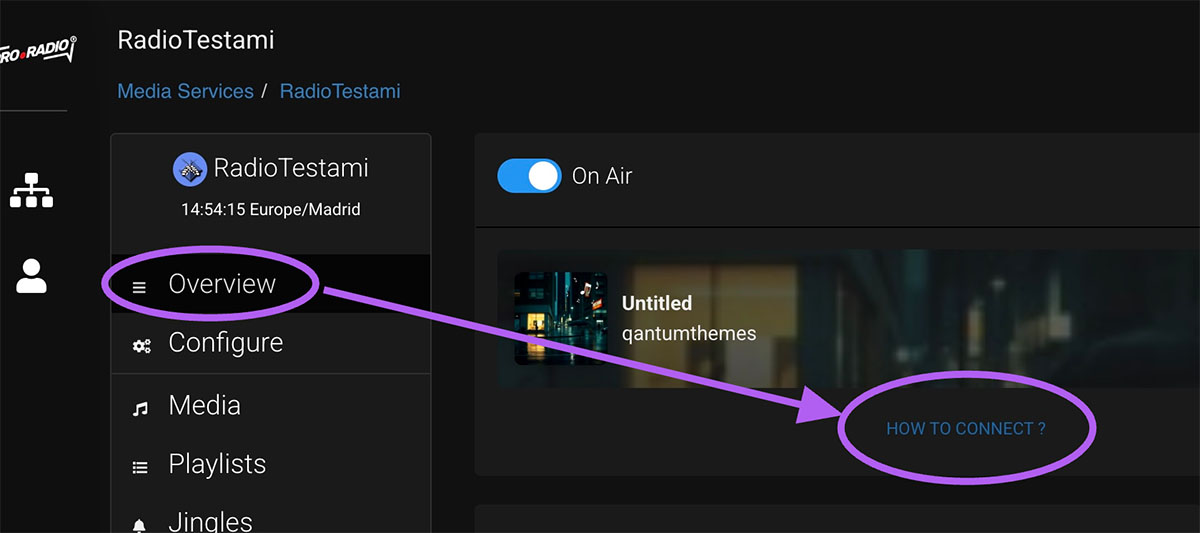
Step 1: Open your service overview
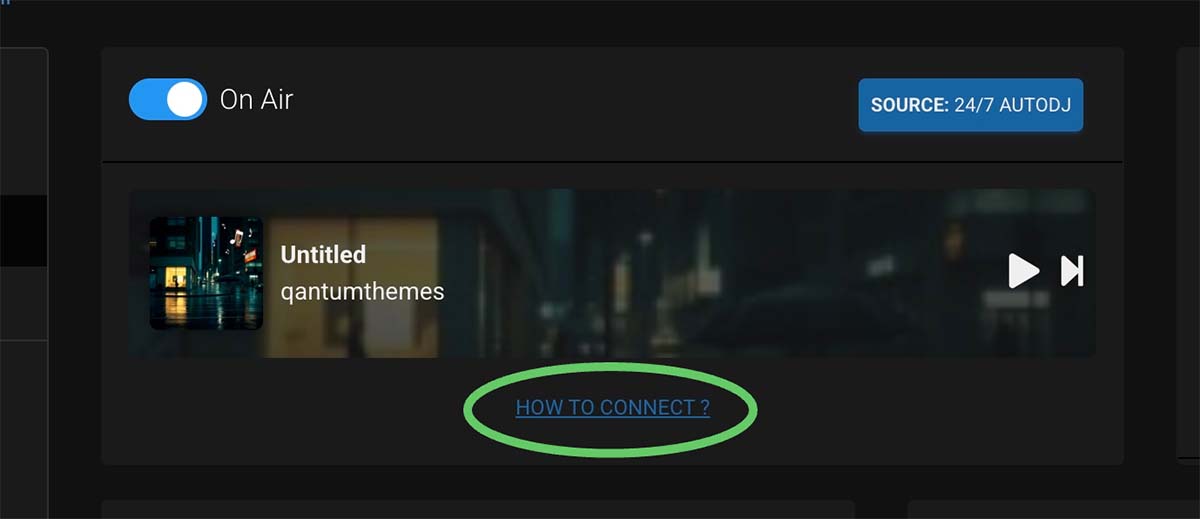
Go to your radio dashboard and find the section called How to connect or similar.
Step 2: Copy the live connection details
Copy the server address, port, username, password and mountpoint exactly as shown.
Step 3: Open your broadcasting software
In your encoder software, create a new stream connection and paste the details from MediaCP.
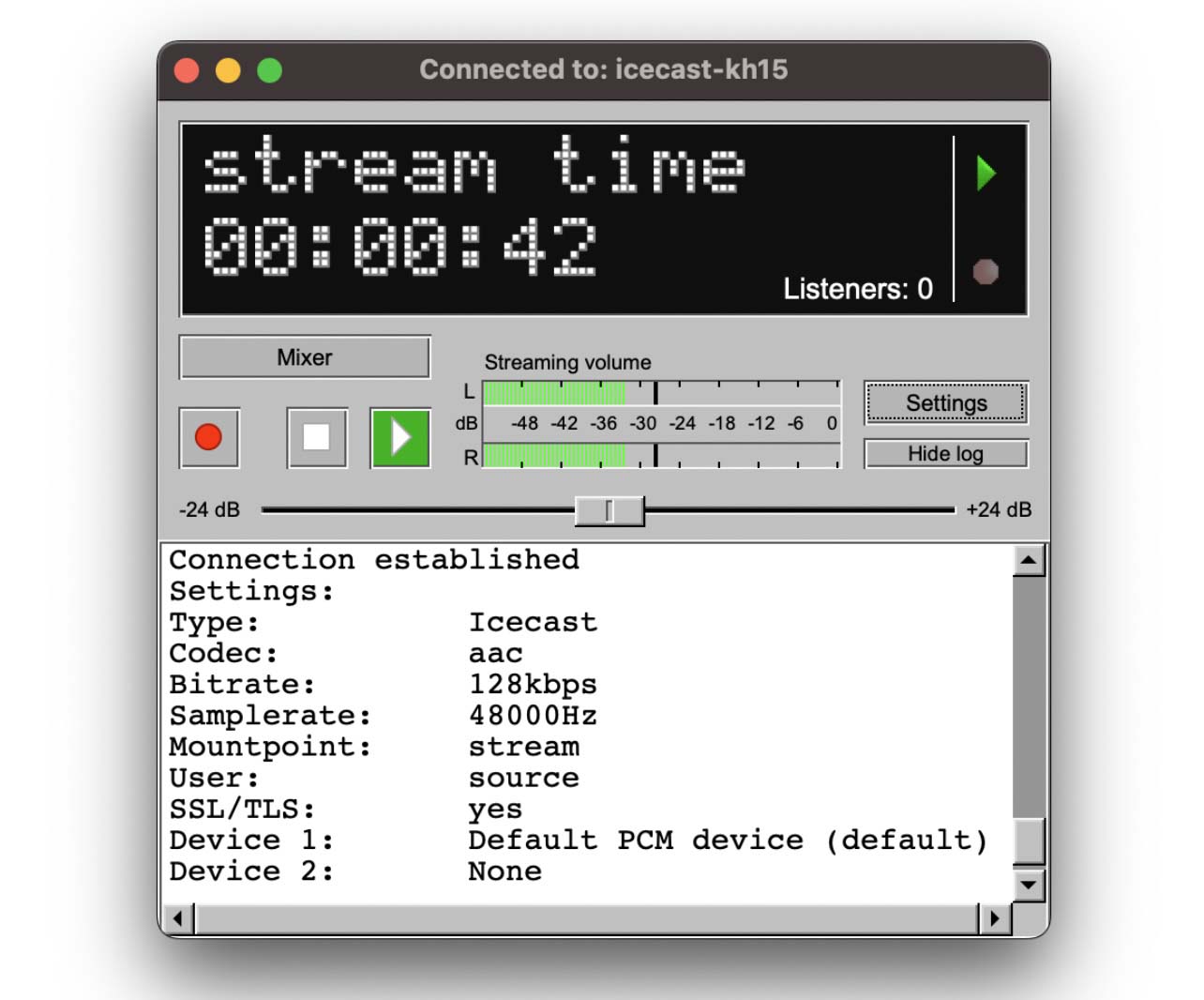
Step 4: Use the correct protocol
For most cases, use the Icecast connection details provided by the panel.
Step 5: Start the live broadcast
Connect your encoder and begin streaming. Then return to the dashboard to confirm that your live source is online.
Step 6: Stop the live stream carefully
When your live show ends, disconnect the encoder cleanly. If AutoDJ is enabled, the station should return to automatic playback.
Tips
- Always copy the connection details directly from the panel.
- If live streaming fails, check the password and mountpoint first.
- Test your encoder with a short private broadcast before going fully live.